Your card.Your progress.
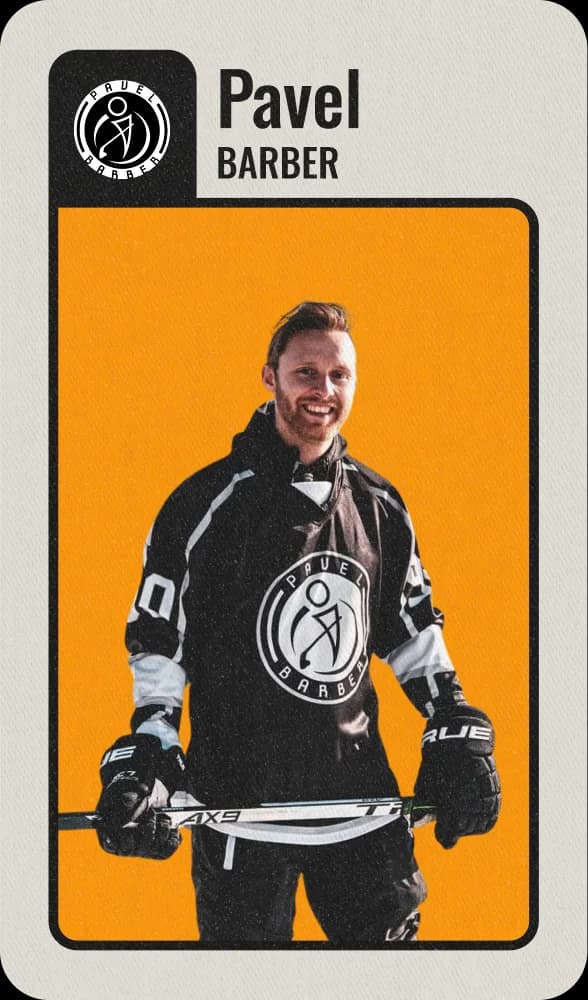
Your own player card, the session on your phone before you get to the rink, and your progress week by week. Your parents follow along in the app.
- Your coach gives you the team code
- A parent creates the profile
- No cost for the family

Players in clubs like











You know what is happening before you step on the ice.
This is ready in the app:
- Time, place and attendance
- Your group and your station
- The drills as animations — so you get them straight away

The drills also come with a diagram, an explanation and video. You can watch the videos again at home.
“The players can also see the session in advance, so they show up prepared.”
 Espen KristiansenHead of sport and recruitment, Frisk Asker Junior Hockey
Six areas. All of you.
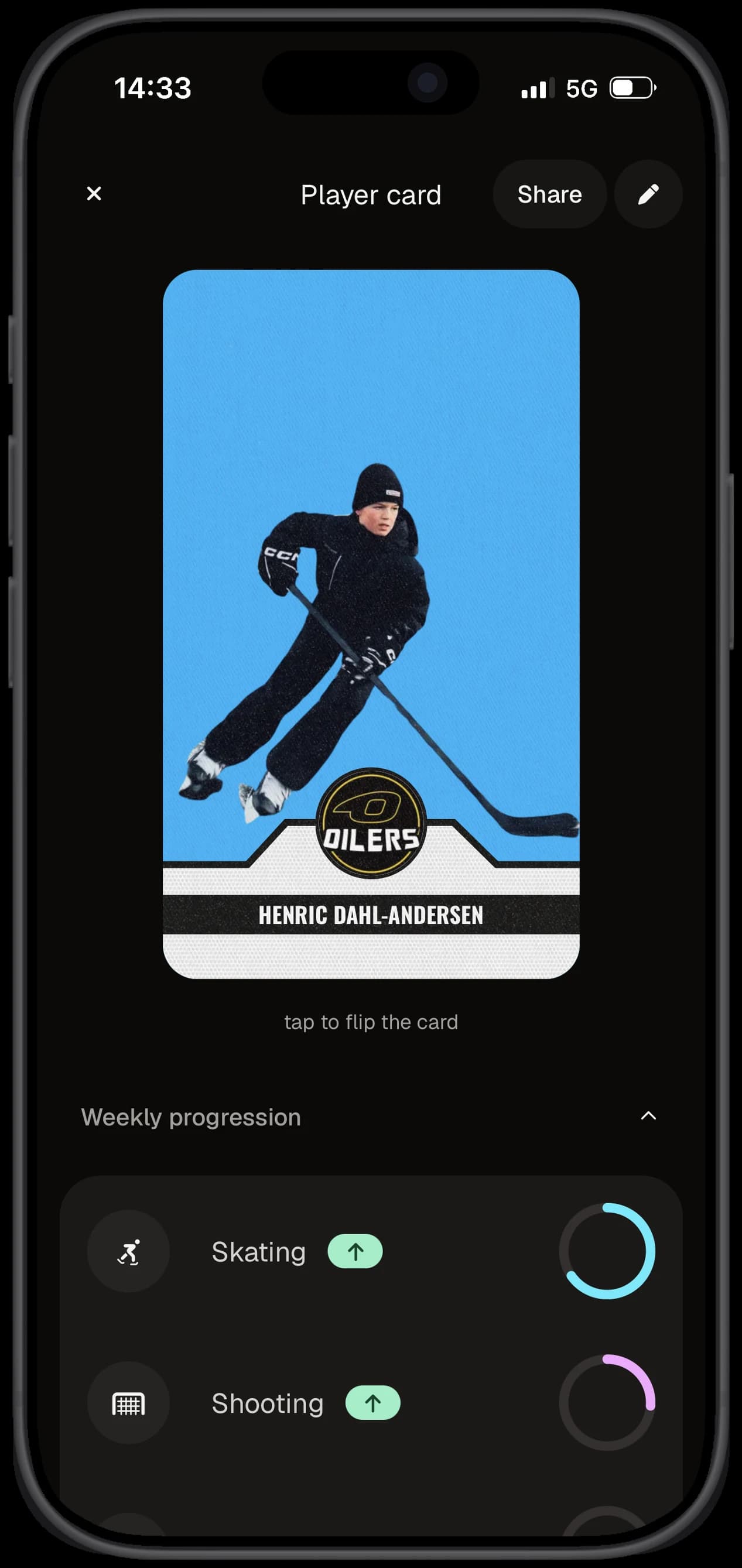
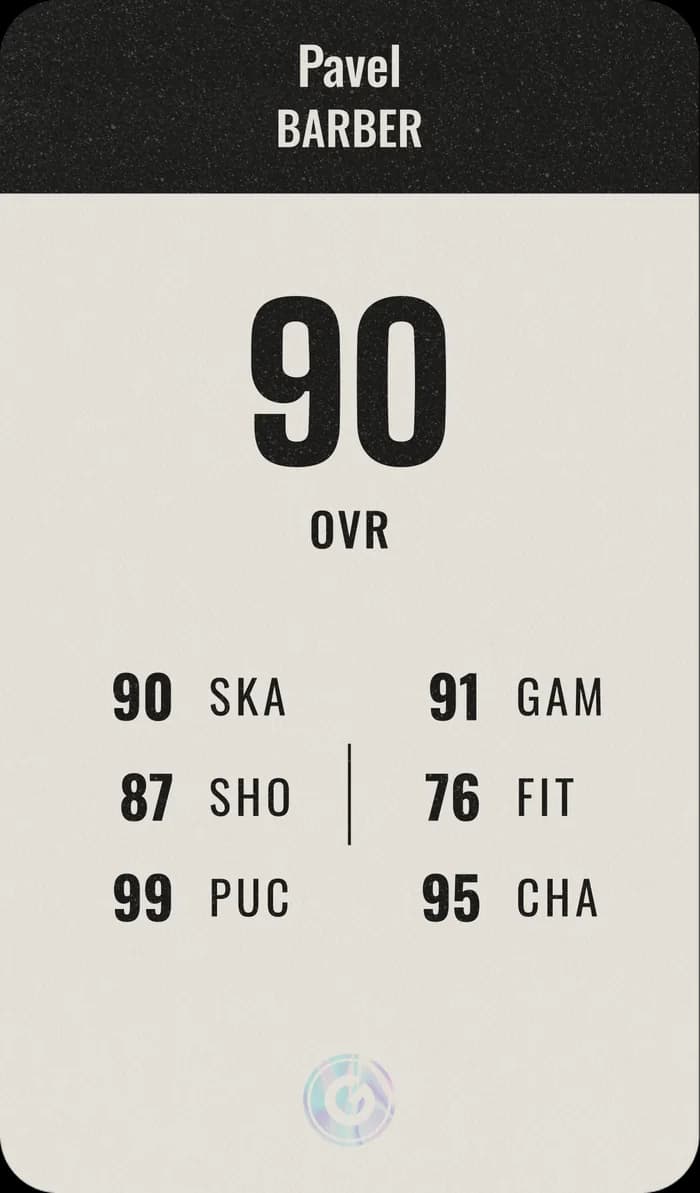
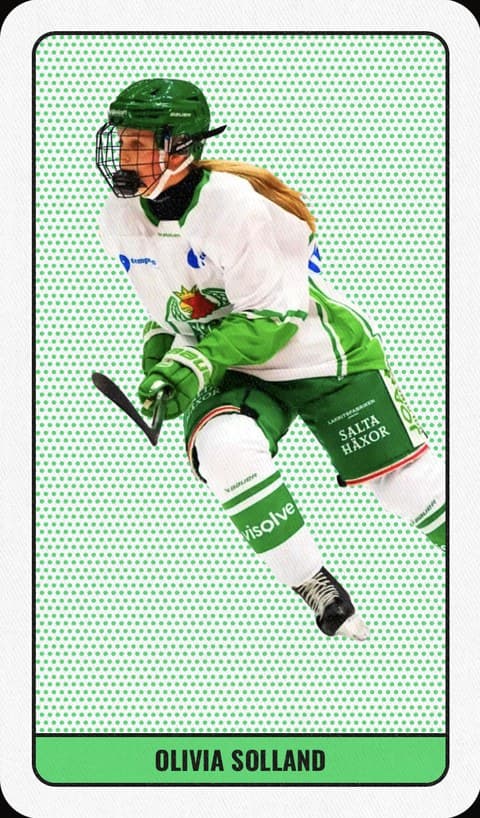
The front is you: the photo you add yourself, your name and your club logo. On the back is your rating across six areas — set by your coach in the app.
 SkatingSKA
 ShootingSHO
 Puck skillsPUC
 Game senseGAM
 FitnessFIT
 CharacterCHA
The card shows more than what you do with the stick: also how you read the game, your fitness and your attitude.
“goalGetr makes skills super easy and fun. I can plan my sessions and compete with my friends. […] I feel I've gotten better just in the last month of using goalGetr.”
You see what your kid is training on — and how it is going.
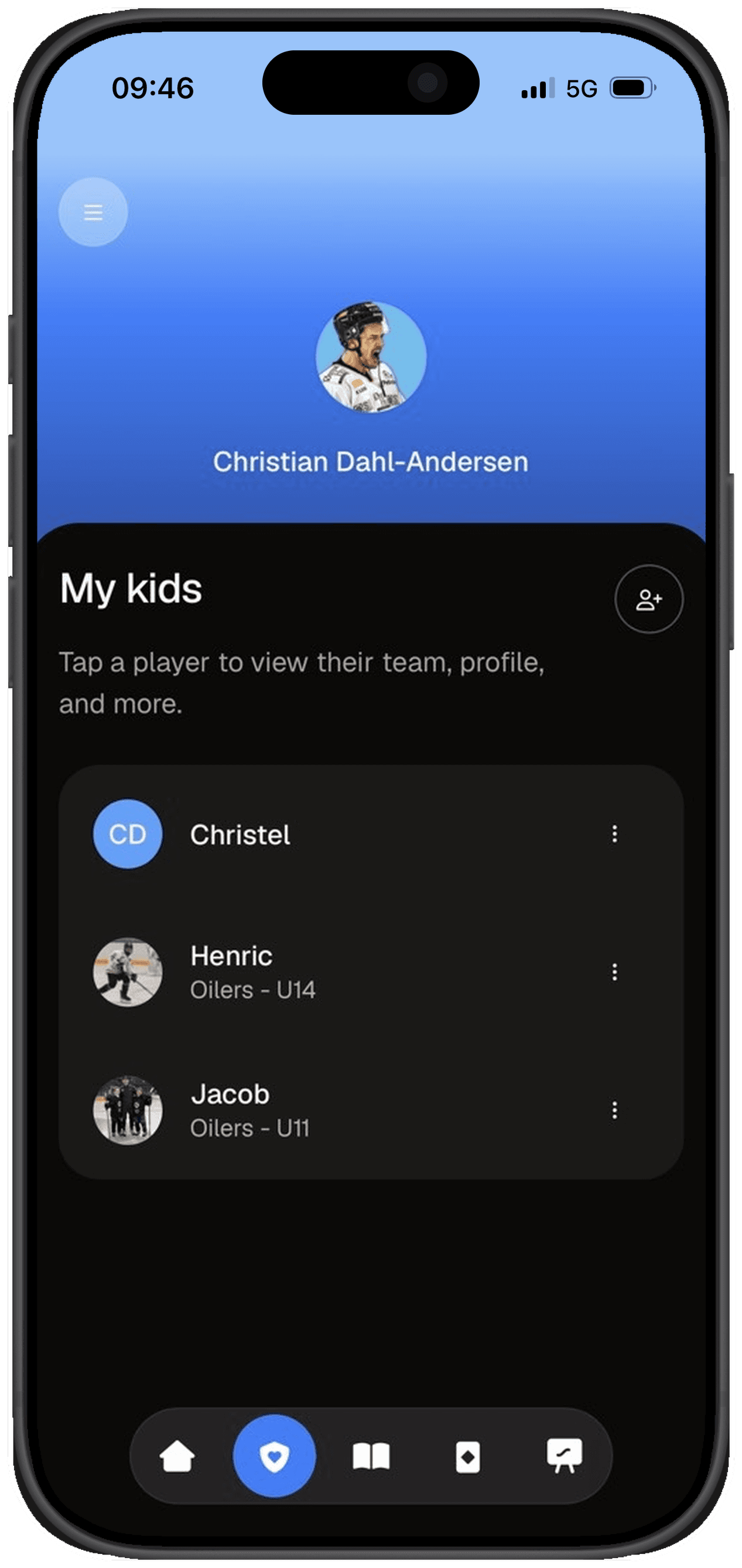
You get your own start page in the app, with all your kids in one place. You follow the development without nagging.
- You create the profile — for yourself and for your kid
- The next session and this week's progress
- Technique videos your kid can practise with at home
“The app lets the kid train more independently, while still following up along the way. I especially like that it explains simply and concretely what to think about in the drills — it makes it easier for the kid to understand, try and fail, and master the drills.”
What you are wondering.
No. The club or the team pays for goalGetr, not the families. Camps are something else, with their own sign-up and price.
See the campsThrough your team: the coach shares a team code or link, and a parent creates the profile.
See the three stepsAsk your coach first: if the team uses goalGetr, the coach has a team code or link. If not, send the club page to your coach or sporting director. The team can ask to try it for free first, and when the club takes goalGetr on, every team and coach gets it.
How to send the club pageYes, goalGetr is coming to the App Store and Google Play. Until then you use app.goalgetr.co in the browser on your phone — same card, same sessions, same progress.
Parents get their own start page with their kids: the team, the next session and this week's progress across six areas — the same as you see.
Your coach, in the app. The rating in the six areas is on the back of your card.
Three steps. Then the card is yours.
Everything happens at app.goalgetr.co, in the browser on your phone.
Ask for the team code
The coach or team manager shares the team's invitation link or team code. Have not got it yet? Ask at the next practice.
A parent creates the profile
With the link or team code, a parent creates a profile for themselves and for you.
Brothers and sisters gather on the same start page.
Make your card
Add a photo, and the front of your card is ready. Your coach sets the rating on the back. You find the next session in the calendar.
Does your team have goalGetr?
Are you a parent? Create the profile now, with the link or team code from the coach. Are you a player? Send this page to a parent.
Team not on goalGetr yet?
goalGetr comes through the team, so it is the coach or the club who has to say yes. The team can ask to try it for free first, and we help them get started.